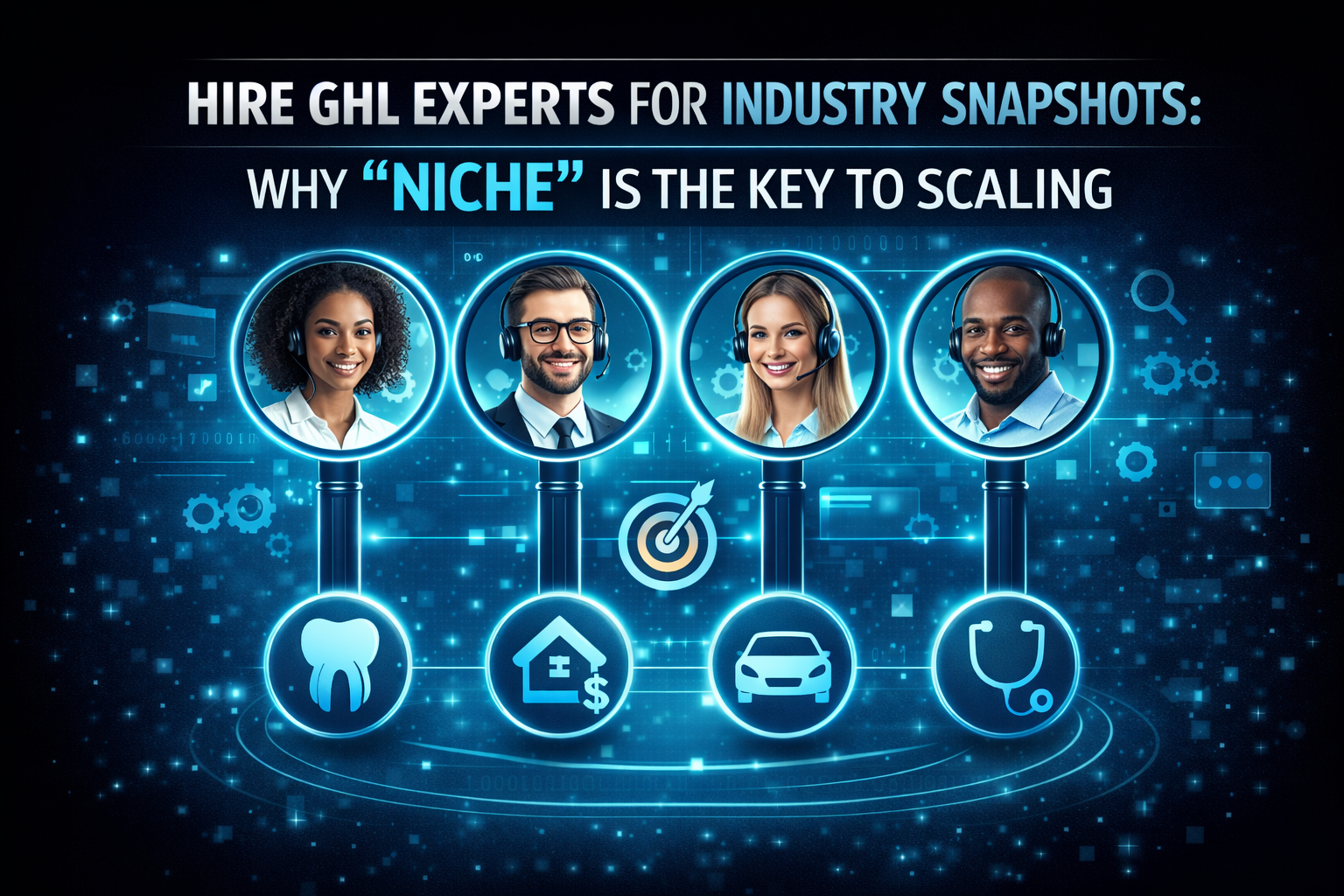
Hire GHL Experts for Industry Snapshots: Why “Niche” is the Key to Scaling
In 2026, the “All-in-One” promise of GoHighLevel is well-known. But the most successful business owners don’t want a “blank” CRM. They want a system that already speaks their language, has their industry’s emails written, and includes their specific sales pipelines.
This is where GHL Industry Snapshots come in. When you hire GHL experts, you aren’t just paying for their time; you are paying for a proven “Business-in-a-Box” that can be deployed in under 10 minutes.
What is a GHL Snapshot?
A Snapshot is a complete copy of a successful sub-account. It includes:
Read this: Hire White Label GHL Experts: The Secret to Scaling Your Agency
Top 3 Industries for GHL Snapshots in 2026
While GHL works for everyone, these three niches are currently seeing the highest ROI from expert-built snapshots.
Real Estate & Mortgages
Real estate moves fast. An expert snapshot includes “Speed to Lead” automation. If a lead clicks an ad at 2 AM, the system sends an SMS in 30 seconds to book a showing.
Med-Spas & Health Clinics
These businesses live or die by their calendar. A specialized snapshot includes HIPAA-compliant forms and “No-Show” protection workflows.
Solar & Home Services
Solar leads are expensive. A Solar Snapshot includes multi-step surveys to qualify homeowners (roof type, credit score, etc.) before they ever get on your calendar.
Comparison: Custom Build vs. Niche Snapshot
Should you have an expert build from zero or buy a snapshot?
| Feature | Custom GHL Build | Industry-Specific Snapshot |
| Setup Time | 2–4 Weeks | 10 Minutes |
| Initial Cost | $2,000 – $5,000 | $500 – $1,500 |
| Proven Results | Unclear (Needs testing) | High (Tested across many users) |
| Customization | 100% Unique | 80% Pre-built / 20% Custom |
3 Things to Look for in a 2026 Snapshot
If you hire GHL experts to install a snapshot, ensure it includes these 2026 updates:
Custom Object Integration
GHL now supports Custom Objects (e.g., “Property Listings” or “Pets”). A pro snapshot uses these to keep data organized instead of just using “Custom Fields.”
Notes for Custom Objects
As of March 2026, you can now add notes directly to custom objects. Your snapshot should have workflows that automatically log activity notes so your sales team stays informed.
Competitor Tracking
New 2026 “Competitor Search” features allow your GHL account to track what your rivals are doing. A high-end snapshot will have a dashboard set up to monitor your niche’s local market rankings.
FAQ: Snapshots and Setup
Can I edit a snapshot after it is installed?
Yes! Think of a snapshot as a “starting point.” Once a GHL expert installs it, you can change the colors, logos, and wording to fit your specific brand.
What if I have multiple locations?
You can push a snapshot to 100+ sub-accounts at once. This is how “SaaS Mode” owners scale so quickly.
Are “Free” snapshots any good?
GHL provides basic free snapshots, but they are often missing the advanced 2026 AI and A2P compliance workflows. For a professional business, it is better to hire an expert for a premium version.
Read this: How a GoHighLevel Expert for E-commerce Can Skyrocket Your Online Store Revenue
Conclusion: Don’t Reinvent the Wheel
In the fast-paced world of 2026, speed is your greatest competitive advantage. Why spend months building a system that an expert has already perfected? By choosing to hire GHL experts with niche-specific snapshots, you can go from “Idea” to “Launch” in a single afternoon.
Ready to dominate your niche? Find an expert with a snapshot for your industry and stop building, and start selling.